Avatar 头像与头像菜单
Avatar 组件用于展示用户头像,支持图片和文字模式,支持圆形和方形。
此外,MonkeyQt 提供了 MkAvatarMenu,支持点击头像弹出下拉动作菜单,配合 MkWindow 可快速搭建现代化桌面的个人中心入口。
1. MkAvatar 基础头像
MkAvatar 继承自 QLabel,支持轻量级自适应展示。
基础用法
from monkeyqt import MkAvatar

# 文字头像
avatar_txt = MkAvatar(text="MK")

# 图片头像
avatar_img = MkAvatar(image_path="path/to/photo.jpg")
属性与形状修改
# 圆形(默认)
avatar_circle = MkAvatar(text="A", shape="circle", size=48)

# 方形(带微圆角)
avatar_square = MkAvatar(text="B", shape="square", size=48)

# 动态修改属性
avatar_circle.image_path = "path/to/new_photo.jpg"
avatar_circle.size = 64
2. MkAvatarMenu 头像菜单
MkAvatarMenu 为标题栏量身定做,具备68种主题自适应渲染、下拉弹窗微圆角边缘裁剪以及边缘溢出自动校正对齐等特性。
基础用法
from monkeyqt import MkAvatarMenu

avatar_menu = MkAvatarMenu(
    text="落花",
    image_path="user_avatar.png",
    shape="circle",
    size=32,
    user_name="落花不写码",
    subtitle="PySide6 开发者",
    actions=[
        {"id": "profile", "text": "个人主页", "icon": "user"},
        {"id": "settings", "text": "账号设置", "icon": "gear"},
        {"id": "logout", "text": "退出登录", "icon": "sign-out", "separator_before": True},
    ]
)

# 监听菜单动作触发信号
avatar_menu.actionTriggered.connect(self._on_avatar_action)
3. 如何定义与定制个人中心页面
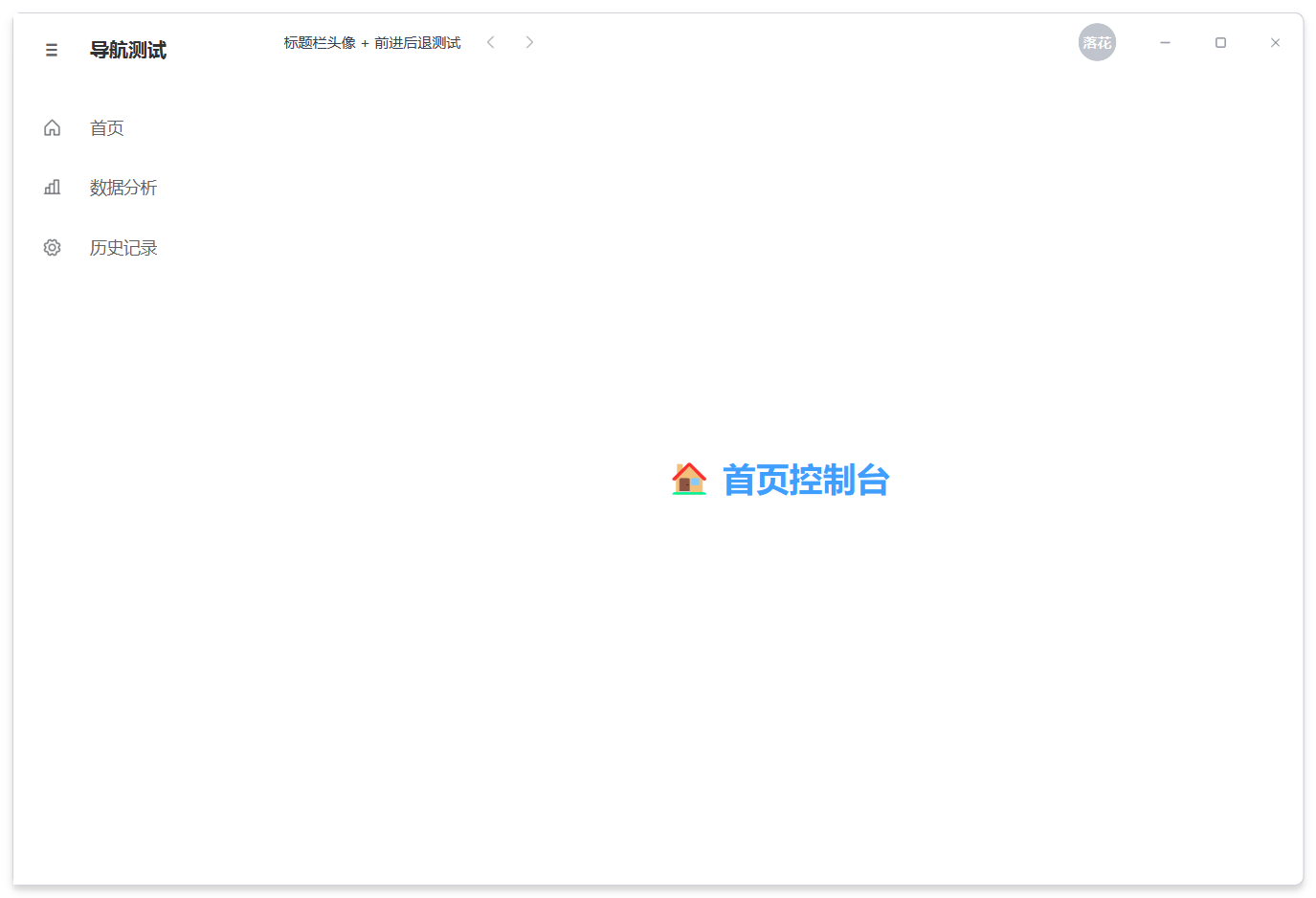
在现代化桌面应用中,通常点击头像弹窗中的“个人主页”会跳转至内容区的对应页面。在 MonkeyQt 中,推荐使用 QStackedWidget 结合信号槽来进行页面切换。
以下提供三种不同场景的个人中心页面实现模板,您可以直接复制并应用到您的项目中:
适合开源项目、开发者个人面板。包含个人介绍、统计数据卡片与最近项目网格:
import os
from PySide6.QtWidgets import QWidget, QVBoxLayout, QHBoxLayout, QLabel, QFrame, QGridLayout
from PySide6.QtCore import Qt
from monkeyqt import MkAvatar
from monkeyqt.core.icons import MkPhosphorIcon

class DeveloperProfileWidget(QWidget):
    def __init__(self, parent=None):
        super().__init__(parent)
        self._init_ui()

    def _init_ui(self):
        layout = QVBoxLayout(self)
        layout.setContentsMargins(30, 20, 30, 30)
        layout.setSpacing(20)

        # 1. 头部卡片
        user_card = QWidget()
        user_layout = QHBoxLayout(user_card)
        user_layout.setContentsMargins(0, 0, 0, 0)
        user_layout.setSpacing(20)

        avatar_path = os.path.join(os.path.dirname(__file__), "user_avatar.png")
        large_avatar = MkAvatar(
            text="落花",
            image_path=avatar_path if os.path.exists(avatar_path) else "",
            size=80,
            shape="circle",
        )
        user_layout.addWidget(large_avatar)

        info_widget = QWidget()
        info_layout = QVBoxLayout(info_widget)
        info_layout.setContentsMargins(0, 0, 0, 0)
        info_layout.setSpacing(6)

        name_lbl = QLabel("落花不写码")
        name_lbl.setStyleSheet("font-size: 22px; font-weight: bold;")
        meta_lbl = QLabel("42 个项目    1.2K Star    68 种主题")
        meta_lbl.setStyleSheet("font-size: 12px; color: #8e8e8e;")
        bio_lbl = QLabel("PySide6 / MonkeyQt 组件开发者 · 学习新思想")
        bio_lbl.setStyleSheet("font-size: 13px; color: #666666;")

        tags_layout = QHBoxLayout()
        tags_layout.setSpacing(8)
        tags_layout.setContentsMargins(0, 0, 0, 0)
        tag_loc = QLabel("📍 广西 · 南宁")
        tag_loc.setStyleSheet("color: #5b8ff9; background-color: rgba(91,143,249,0.1); padding: 3px 10px; border-radius: 4px; font-size: 11px;")
        tag_sch = QLabel("🎓 吗喽大学")
        tag_sch.setStyleSheet("color: #61c454; background-color: rgba(97,196,84,0.1); padding: 3px 10px; border-radius: 4px; font-size: 11px;")
        tags_layout.addWidget(tag_loc)
        tags_layout.addWidget(tag_sch)
        tags_layout.addStretch()

        info_layout.addWidget(name_lbl)
        info_layout.addWidget(meta_lbl)
        info_layout.addWidget(bio_lbl)
        info_layout.addLayout(tags_layout)
        user_layout.addWidget(info_widget, stretch=1)
        layout.addWidget(user_card)

        # 2. 统计卡片行
        stats_layout = QHBoxLayout()
        stats_layout.setSpacing(16)
        stats_data = [
            ("🔧", "组件数量", "36 个", "#409EFF"),
            ("🎨", "主题风格", "68 种", "#67C23A"),
            ("⭐", "GitHub Star", "1,247", "#E6A23C"),
        ]
        for emoji, title, value, color in stats_data:
            card = QFrame()
            card.setStyleSheet(f"QFrame {{ background: white; border: 1px solid #e8e8e8; border-radius: 8px; border-left: 3px solid {color}; }}")
            card_layout = QVBoxLayout(card)
            card_layout.setContentsMargins(16, 12, 16, 12)
            h = QLabel(f"{emoji}  {title}")
            h.setStyleSheet("font-size: 12px; color: #999999;")
            v = QLabel(value)
            v.setStyleSheet(f"font-size: 20px; font-weight: bold; color: {color};")
            card_layout.addWidget(h)
            card_layout.addWidget(v)
            stats_layout.addWidget(card)
        layout.addLayout(stats_layout)

        # 3. 项目展示
        proj_title = QLabel("最近项目")
        proj_title.setStyleSheet("font-size: 16px; font-weight: bold;")
        layout.addWidget(proj_title)

        grid = QGridLayout()
        grid.setSpacing(14)
        projects = [
            ("MonkeyQt 组件库", "PySide6 现代化 UI 组件", "chart-bar", "#409EFF"),
            ("YOLO 目标检测", "基于 YOLOv8 的检测系统", "eye", "#67C23A"),
        ]
        for idx, (title, desc, icon, color) in enumerate(projects):
            card = QFrame()
            card.setStyleSheet(f"QFrame {{ background: white; border: 1px solid #e8e8e8; border-radius: 8px; }} QFrame:hover {{ border-color: {color}; }}")
            card_layout = QVBoxLayout(card)
            card_layout.setContentsMargins(16, 16, 16, 16)
            icon_lbl = QLabel()
            icon_lbl.setPixmap(MkPhosphorIcon.get_pixmap(icon, color, 28))
            t_lbl = QLabel(title)
            t_lbl.setStyleSheet(f"font-size: 14px; font-weight: bold; color: {color};")
            d_lbl = QLabel(desc)
            d_lbl.setStyleSheet("font-size: 12px; color: #999999;")
            card_layout.addWidget(icon_lbl)
            card_layout.addWidget(t_lbl)
            card_layout.addWidget(d_lbl)
            card_layout.addStretch()
            grid.addWidget(card, 0, idx)
        layout.addLayout(grid)
        layout.addStretch()
适合社交应用、音乐播放器、博客等。包含顶部渐变背景横幅、关注者统计以及最近动态列表:
from PySide6.QtWidgets import QWidget, QVBoxLayout, QHBoxLayout, QLabel, QFrame, QListWidget, QListWidgetItem
from PySide6.QtCore import Qt
from PySide6.QtGui import QLinearGradient, QPalette, QBrush
from monkeyqt import MkAvatar

class SocialProfileWidget(QWidget):
    def __init__(self, parent=None):
        super().__init__(parent)
        self._init_ui()

    def _init_ui(self):
        layout = QVBoxLayout(self)
        layout.setContentsMargins(0, 0, 0, 0)
        layout.setSpacing(0)

        # 1. 顶部色彩斑斓的 Banner 背景板
        banner = QFrame()
        banner.setFixedHeight(120)
        banner.setStyleSheet("background: qlineargradient(x1:0, y1:0, x2:1, y2:1, stop:0 #ff7e5f, stop:1 #feb47b); border: none; border-radius: 0px;")
        layout.addWidget(banner)

        # 2. 悬浮个人卡片(头像、关注数等)
        info_area = QWidget()
        info_layout = QVBoxLayout(info_area)
        info_layout.setContentsMargins(30, -30, 30, 20) # 负边距让头像悬浮在横幅上
        info_layout.setSpacing(10)

        avatar_row = QHBoxLayout()
        large_avatar = MkAvatar(text="猫咪", size=72, shape="circle")
        large_avatar.setStyleSheet("border: 3px solid white;")
        avatar_row.addWidget(large_avatar)
        avatar_row.addStretch()

        # 关注按钮等可以加在这里
        info_layout.addLayout(avatar_row)

        name_lbl = QLabel("神秘的音乐家")
        name_lbl.setStyleSheet("font-size: 20px; font-weight: bold;")
        bio_lbl = QLabel("记录每一份生活,音乐让寻找变得简单。")
        bio_lbl.setStyleSheet("color: #777777; font-size: 13px;")

        stats_row = QHBoxLayout()
        stats_row.setSpacing(20)
        for num, label_txt in [("12.5K", "关注者"), ("348", "关注中"), ("89", "动态")]:
            item = QLabel(f"<b>{num}</b> {label_txt}")
            item.setStyleSheet("font-size: 13px; color: #444444;")
            stats_row.addWidget(item)
        stats_row.addStretch()

        info_layout.addWidget(name_lbl)
        info_layout.addWidget(bio_lbl)
        info_layout.addLayout(stats_row)
        layout.addWidget(info_area)

        # 3. 动态列表区
        feed_title = QLabel(" 最近动态")
        feed_title.setStyleSheet("font-size: 15px; font-weight: bold; margin: 10px 30px;")
        layout.addWidget(feed_title)

        feed_list = QListWidget()
        feed_list.setFrameShape(QFrame.NoFrame)
        feed_list.setStyleSheet("QListWidget { background: transparent; padding: 0 30px; } QListWidget::item { padding: 12px 0; border-bottom: 1px solid #eeeeee; }")

        feeds = [
            "🎵 收藏了歌单《夜跑专属电音合集》",
            "📝 发布了新日记《在南宁夏日街头看落日》",
            "🎨 更新了个人封面背景",
        ]
        for feed in feeds:
            QListWidgetItem(feed, feed_list)

        layout.addWidget(feed_list, stretch=1)
适合企业级系统。包含详细资料展示和最近登录日志:
from PySide6.QtWidgets import QWidget, QVBoxLayout, QHBoxLayout, QLabel, QFrame, QFormLayout
from monkeyqt import MkAvatar, MkButton

class AdminConsoleWidget(QWidget):
    def __init__(self, parent=None):
        super().__init__(parent)
        self._init_ui()

    def _init_ui(self):
        layout = QVBoxLayout(self)
        layout.setContentsMargins(30, 20, 30, 30)
        layout.setSpacing(20)

        title = QLabel("管理员账号信息")
        title.setStyleSheet("font-size: 20px; font-weight: bold;")
        layout.addWidget(title)

        # 详情面板
        details_frame = QFrame()
        details_frame.setStyleSheet("QFrame { background: white; border: 1px solid #e8e8e8; border-radius: 8px; }")
        frame_layout = QHBoxLayout(details_frame)
        frame_layout.setContentsMargins(20, 20, 20, 20)
        frame_layout.setSpacing(30)

        avatar_col = QVBoxLayout()
        avatar_col.addWidget(MkAvatar(text="Admin", size=90, shape="square"))
        avatar_col.addSpacing(10)
        avatar_col.addWidget(MkButton("更改头像", type="primary", size="small"))
        avatar_col.addStretch()
        frame_layout.addLayout(avatar_col)

        form = QFormLayout()
        form.setVerticalSpacing(14)
        form.setHorizontalSpacing(20)
        form.addRow("用户账号:", QLabel("admin_monkey"))
        form.addRow("管理角色:", QLabel("超级系统管理员"))
        form.addRow("所属部门:", QLabel("核心组件开发部"))
        form.addRow("邮箱地址:", QLabel("admin@monkeyqt.com"))
        form.addRow("上次登录:", QLabel("2026-06-16 11:20 (广西·南宁)"))
        frame_layout.addLayout(form, stretch=1)

        layout.addWidget(details_frame)

        # 安全快速操作
        quick_layout = QHBoxLayout()
        quick_layout.setSpacing(12)
        quick_layout.addWidget(MkButton("修改密码", type="warning"))
        quick_layout.addWidget(MkButton("多因子验证 (MFA)", type="success"))
        quick_layout.addWidget(MkButton("安全注销", type="danger"))
        quick_layout.addStretch()
        layout.addLayout(quick_layout)

        layout.addStretch()
4. API 参考
MkAvatar (基础头像)
| 属性/方法 | 类型 | 说明 |
|---|---|---|
text |
str |
获取/设置文字内容(自动提取前两个字符并转大写) |
image_path |
str |
获取/设置本地图片路径 |
shape |
str |
获取/设置形状,可选值为 "circle"(圆形)或 "square"(微圆角矩形) |
size |
int |
获取/设置头像显示尺寸(宽高像素) |
MkAvatarMenu (头像下拉菜单)
| 属性/方法/信号 | 类型 | 说明 |
|---|---|---|
user_name |
str |
菜单头部展示的用户名 |
subtitle |
str |
菜单头部展示的子标题 |
set_actions(actions) |
list[dict] |
重设下拉列表项。如 [{"id": "set", "text": "设置", "icon": "gear"}] |
actionTriggered(action_id) |
Signal(str) |
信号。当点击菜单中的某一项时触发,携带所点击动作项的 id 参数 |